Muse × Meta Glasses · Field note & concept
September 2026 · Independent
Does a wake word matchhow people actuallywant to ask?
A field note from one visit to try AI glasses, and my reading of their current form. My working assumption: the gap is between the wake word and how people express what they want — on any device, not only glasses.
- Role
- Solo — field note, analysis, workday mapping, interaction concept
- Context
- Independent · September 2026 · Not affiliated with Meta
- Inputs
- Status
- Field note and concept — not built or tested. Storyboard imagery is AI-generated.
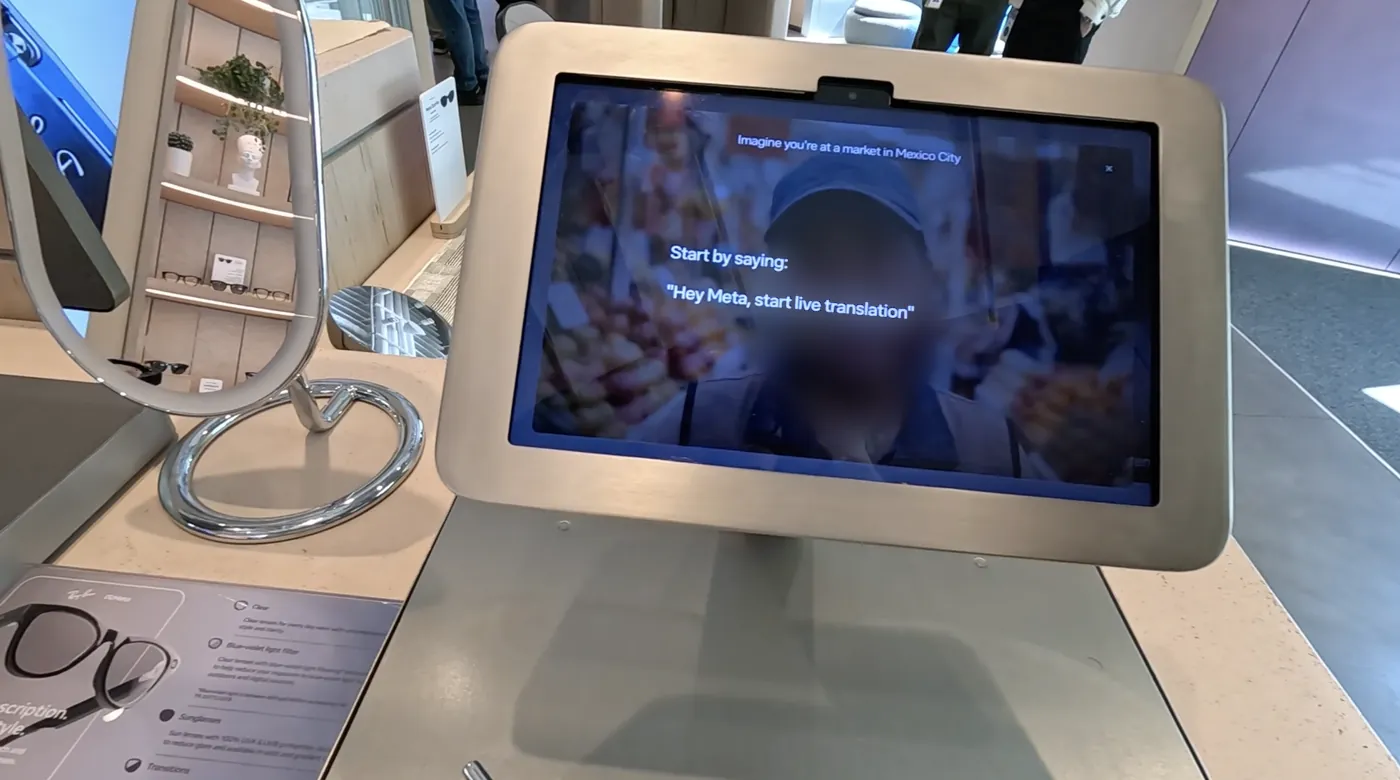
One visit to try the glasses, September 22.
I use a lot of AI tools. Each one knows a slice of my day, and none of them know each other — so I became the bridge, copying notes and re-explaining context. When Meta launched Muse in September 2026, I set up my own agent, and it became the place my day comes together. Then I went to the Meta store to try their glasses in person.
The hardware was simple and well made: a clean voice experience, and photo and video capture that felt effortless. Two things stayed with me. Every AI interaction starts with “Hey Meta,” which I'd rather not say out loud in a quiet store or an open office. And the glasses pair with the Meta AI app, while my agent lives in Muse; in the store, I couldn't get connected to try the AI side at all.
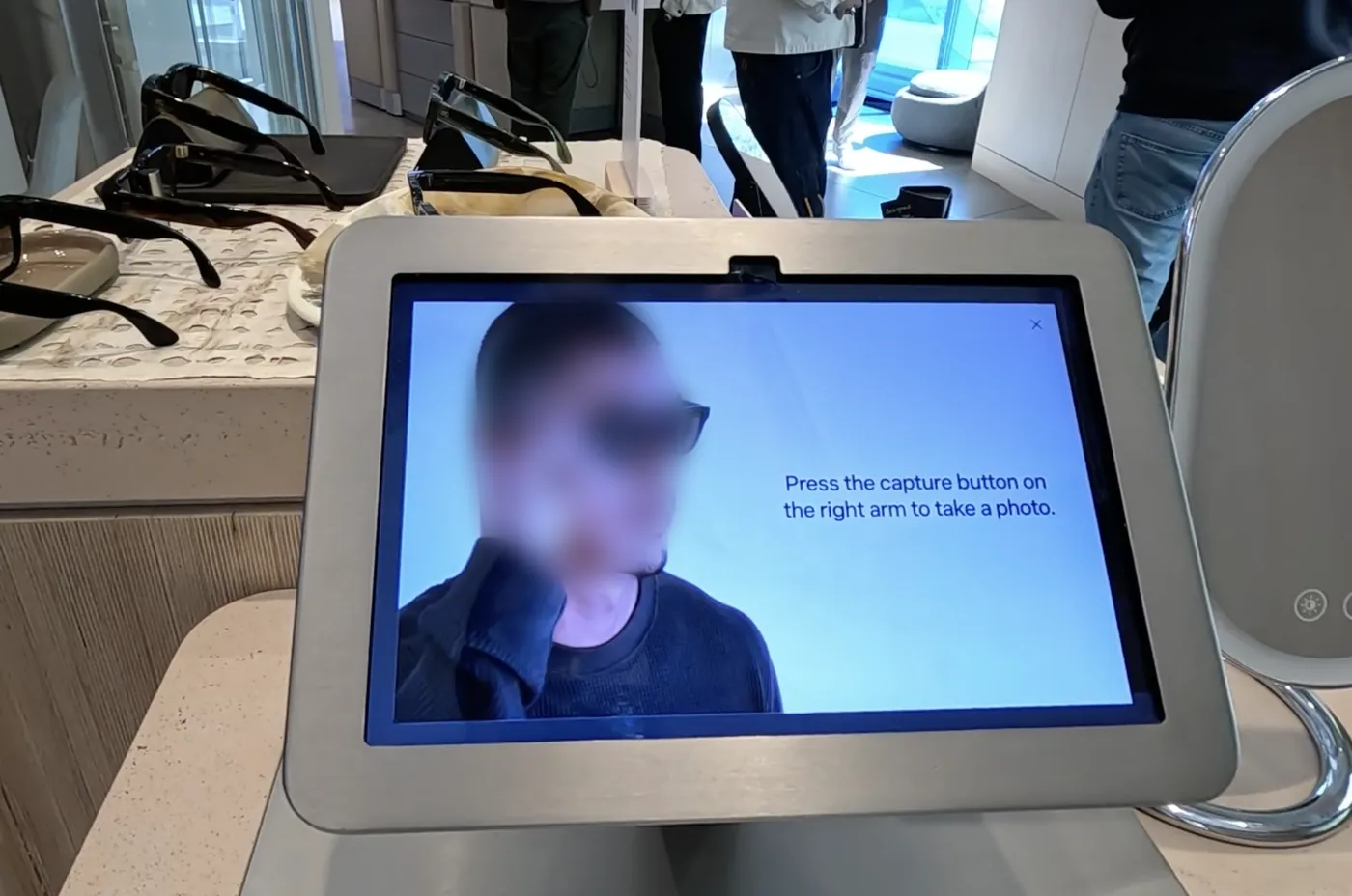
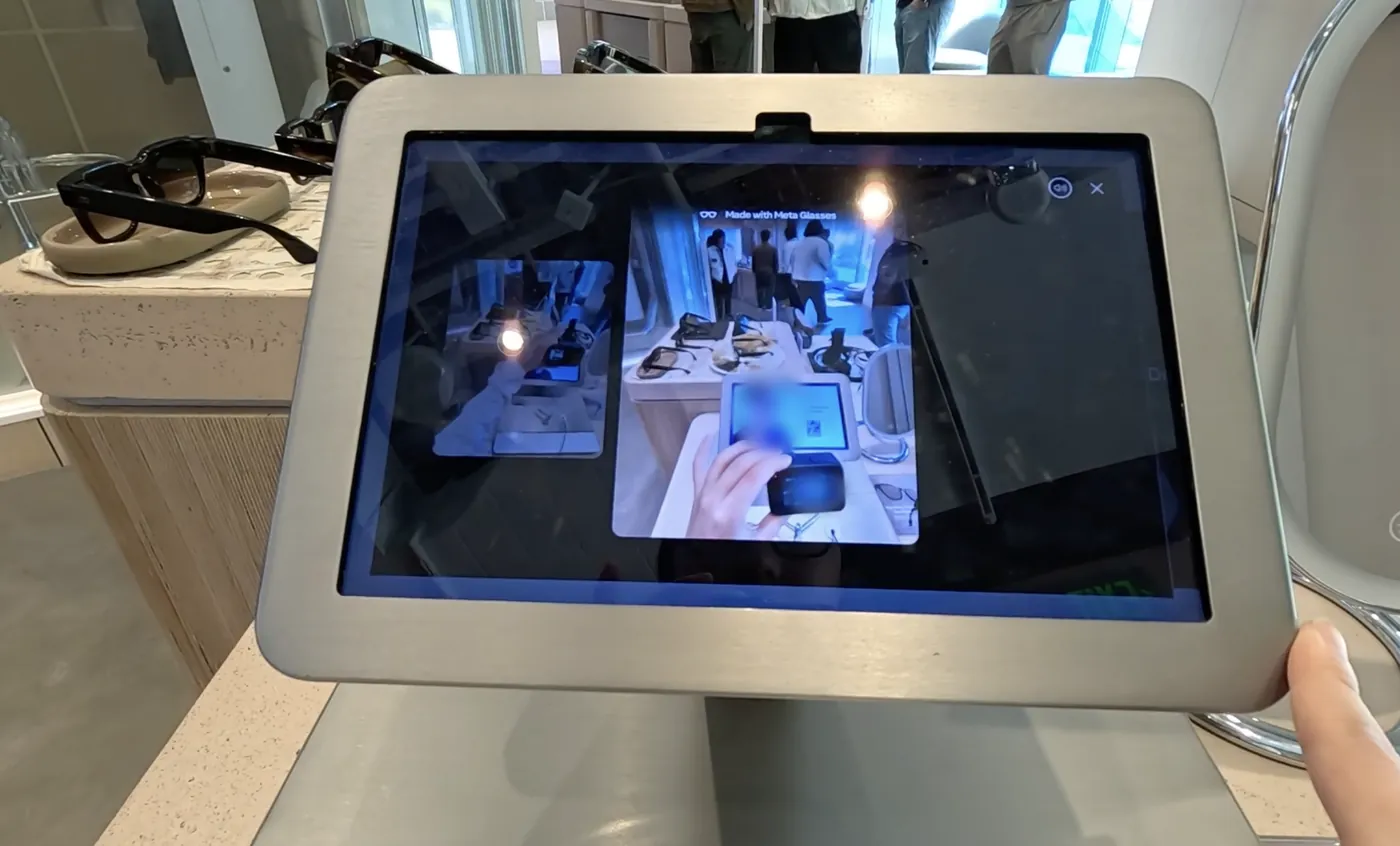
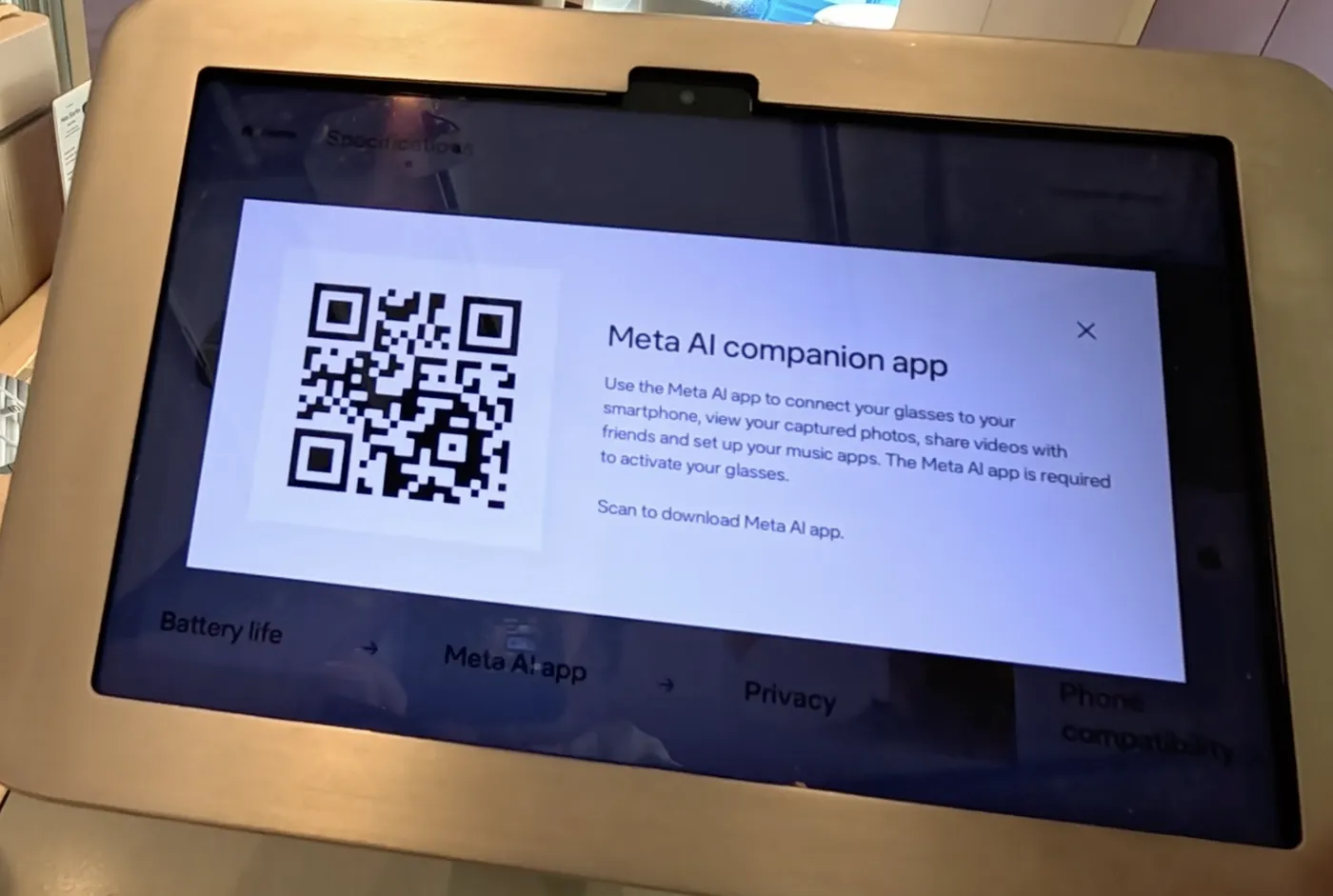
The gap is between the wake word and how people ask.
The hardware isn't the gap. A wake word assumes intent is spoken aloud, already formed, and addressed to the device — and the device doesn't have to be glasses. Glasses were simply what I went to try that day; earbuds, a watch, or a phone in a pocket meet the same question. In one visit, each part of that assumption came apart:
- Social
Spoken aloud. “Hey Meta” is natural on a street. In a quiet store or an open office, it announces to the room that I’m talking to my glasses.
- Modality
Put into words. Much of what I’d ask is about what I’m looking at. A glance or a tap carries that better than a sentence.
- Continuity
Started over each time. Every exchange restarts at the wake word. Nothing holds across the pauses of a real task.
- Whose agent
Addressed to the device. The wake word reaches the assistant built into the device, not the agent that already knows my day.
From one store visit and my own daily use — an assumption to test, not a finding.
Where in a day the agent needs to be reachable.
To see where the gap would actually matter, I mapped one ordinary workday, 7 AM to 7 PM, and marked every moment where context had to move. Three kinds of handoff kept showing up.
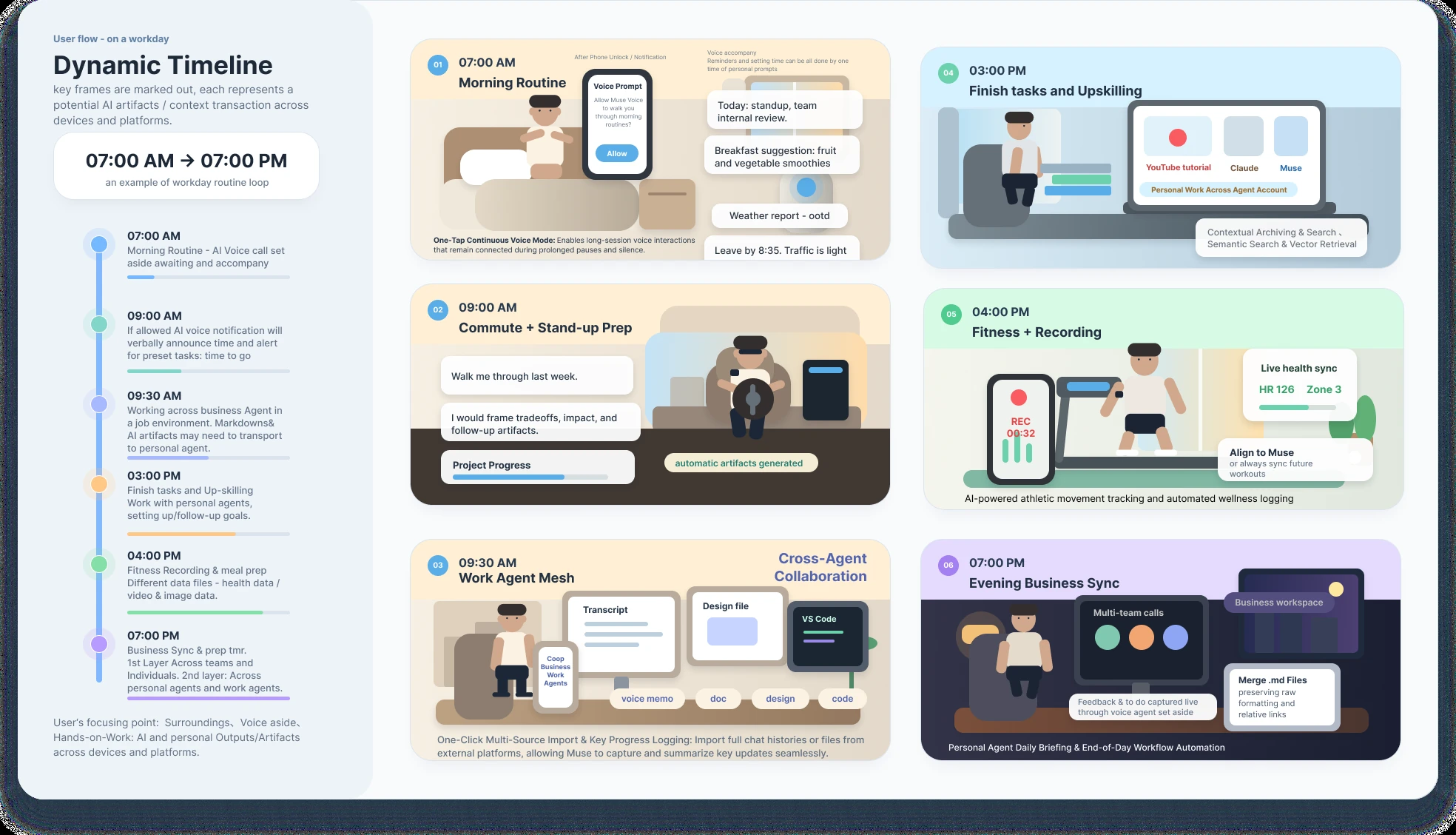
- 07:00
Across devices. One voice session follows me from phone to glasses and holds through the pauses.
- 09:30
Between work and personal. When a meeting ends, I pick what crosses over. Only the to-do goes — a title and a due time, never the file.
- 19:00
Across tools. Everything the day produced lands in one evening briefing: what’s done, what carries over, what I promised.
If the assumption holds: a tap, not a wake word.
- 1
No setup moment.
Put the glasses on and your agent is already there — no re-pairing, no bouncing between apps.
- 2
A tap, not a wake word.
Tap once for Voice mode, twice for Vision mode. It works in a quiet office or mid-conversation, and nobody around you hears a command.
- 3
The camera waits. The voice can nudge.
Vision mode only turns on when you ask for it, every time. Voice mode may reach out first — a heads-up before the next meeting.
The device as an input, not a new app. It stays as simple as it is today; my personal agent is the brain behind it.
- Tap
Voice mode — talk to your agent, hands-free.
- Double tap
Vision mode — look at a document, and your agent reads it with you.
- No glasses?
The same control lives in the agent's app: start Voice, or open Vision with the phone camera.
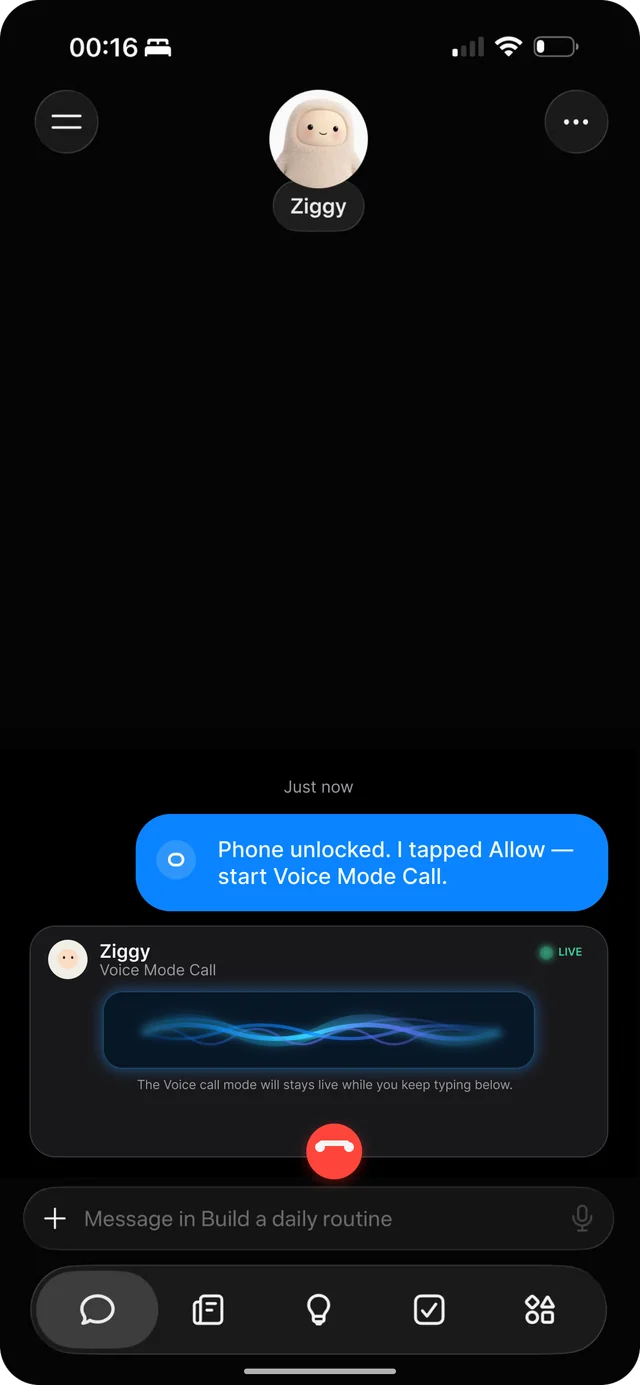
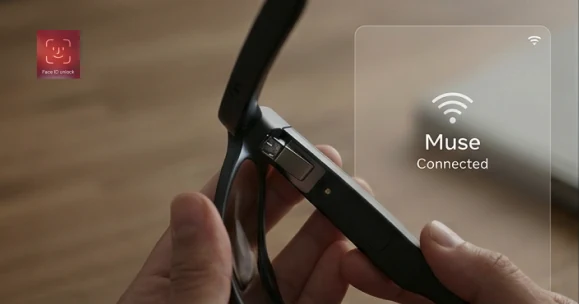
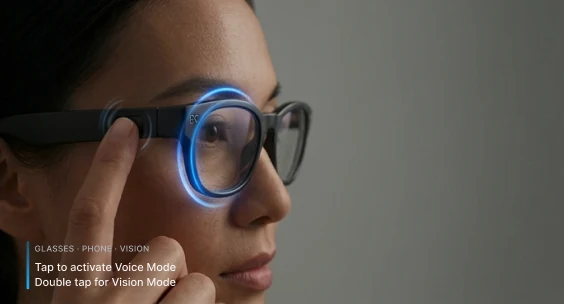
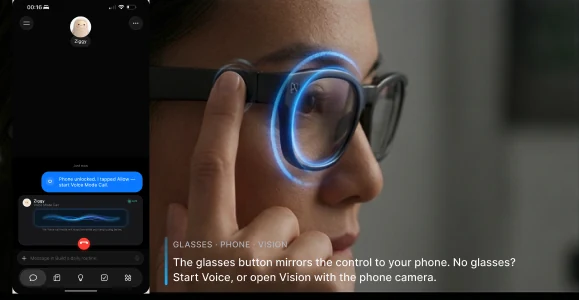
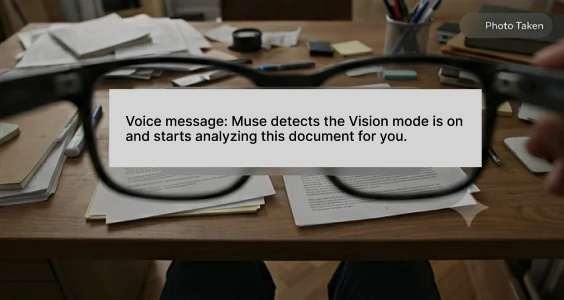
Storyboard frames use Muse as the example agent.
You don't hand over your calendar on day one.
If the flow feels natural, people keep using it. If they keep using it, trust has room to grow. That loop can't be skipped — a personal agent is a lot like a new friend.
- Stage 1
Meet
It says who it is, what it can see, and what it can’t. Permissions start small and stay explicit.
- Stage 2
Get to know each other
It learns my routines from what I choose to share. I can see what it remembers and delete it. Scans land in my files, and only what I asked about is kept.
- Stage 3
Trust, for the long run
Once it’s earned, it gets more room: proactive nudges, work to-dos I send over myself, and a camera I’m fine using in public — capture light on, bystanders’ faces blurred on-device.
Voice first, then let it look — and watch where space breaks.
- Live video
How long can it stay live? Measure how long a live video session can keep a model running on the device before it has to stop.
- Voice first
Start with what already works. Conversation is mature, so connect voice first. When I say “help me look,” the agent takes a photo and reads the scene in front of me — vision only on request.
- Space
Where it breaks. In daily use, today's models still get spatial relations wrong at times, and a spatial question is hard to put into a prompt.
That last gap is the one I want to study: how people and AI systems build a shared picture of space that both can inspect and correct.
Research questions →In one line